Shown with a sample firm.
The paperwork
Every job's forms, from the quote to the handover, filled in for your office to check and send.
Heat pump, boiler, cylinder, solar or battery, every job comes with forms: the quote and contract before it starts, the certificates and notices once it's fitted, and the handover pack at the end.
Most of what goes on them is already in the job. Othyn fills them in from the job's records, photos and voice notes, and flags gaps while the engineer's still on site. Your office checks and sends each one, and anything the engineer signs goes to him first.
The demo follows a heat pump job, which has more forms than most.
How it works
-
Step 1
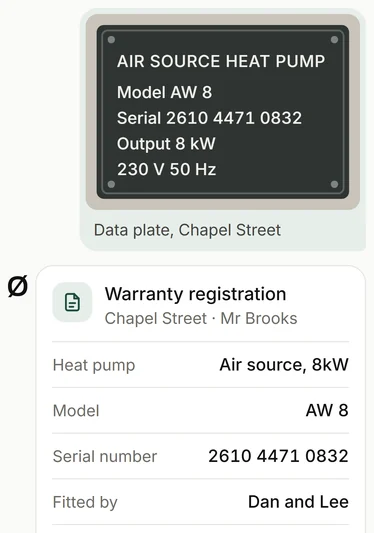
The engineer sends a photo and a voice note.
A photo of the data plate fills in the warranty registration, and a voice note of his readings becomes the commissioning sheet, ready for him to sign.
-
Step 2
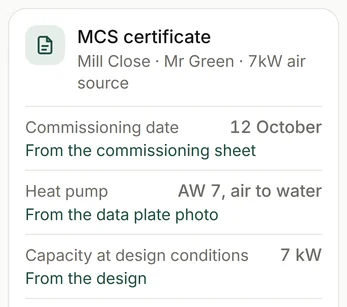
It fills in the forms from the job.
Every field says where it came from.
-
Step 3
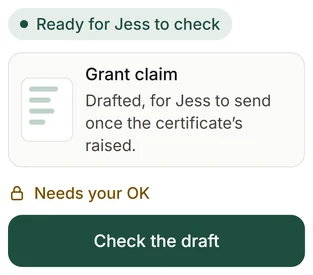
Your office checks and sends them.
Nothing goes in until someone in your office has checked it.
What it fills in
The sale:
the quote, the contract, the cancellation notice and form, and the customer's request to start early.
Heat pumps:
the MCS certificate, the grant claim, the DNO notice, the Building Regs notice and the handover pack.
Boilers and cylinders:
the Gas Safe notice, the Benchmark checklist's job and appliance details ready for the engineer to complete and sign, the warranty registration, and the Building Regs notice for an unvented cylinder.
Solar and batteries:
the MCS certificate, the DNO forms, the Building Regs notice and the handover pack, with the export payment checklist for the customer.
Electrical work:
the Part P notice, and the electrical certificate's job details, ready for the electrician to add his test results and sign.
After every job:
the waste transfer note for the old unit, and the customer's copies.
Landlord work:
the gas safety record and electrical report copies ready for your office to send, and the renewals tracked.
Why it matters
Paperwork holds up money. The grant can't be claimed until the MCS certificate's raised, a late warranty registration can cut the cover, and a contract sent without the cancellation details gives the customer up to a year longer to cancel. So every form is tracked like any other deadline.
What it reads
Your job software: the customer, the address, the design and the quote.
Your engineers' photos and voice notes: the data plate, the readings, and the before and after.
Your inbox: the voucher, the DNO's go-ahead and the signed contract, filed in the job.
Your own templates: your quote, contract and cancellation wording, set up with you once.
The maker's details: the product's figures and its manual.
Every field on a form says which of these it came from.
Questions
Is it only heat pump jobs?
No. Boiler, cylinder, solar and battery jobs too, and the sale itself: the quote, the contract and the cancellation paperwork.
Do you send the forms?
No. We fill them in, and your office checks them and sends them from your own accounts.
Can it sign the engineer's certificates?
No. A Benchmark or an electrical certificate carries the engineer's own readings and signature, and goes out from his own app or software. Othyn fills in the job's details and puts it in front of him to finish, check and sign.
What if a detail's missing?
The engineer gets one short message asking for it.
See the other parts
-
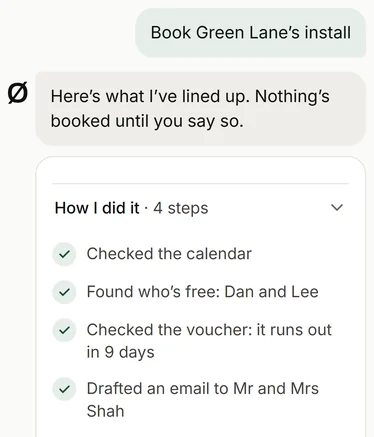
Ask your firm
Your team asks it about any job, customer or invoice, or to get something done, like booking an install. Anything it drafts waits for your OK.
-
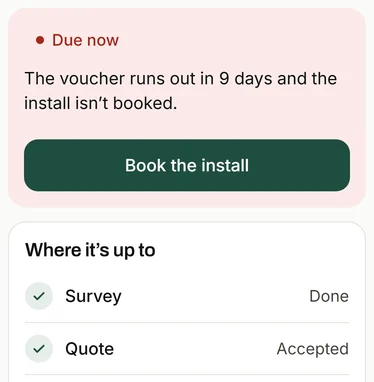
Every job's deadlines
From survey to paid, every job's deadlines in one place, with a heads-up before each one's due.
-
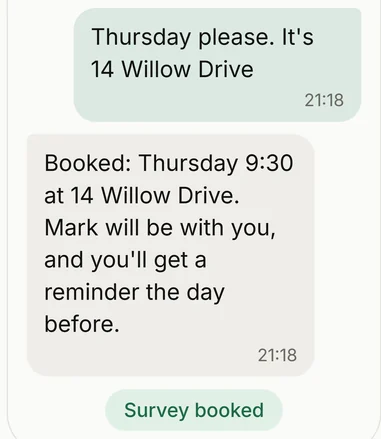
Enquiries answered, and surveys checked first
Enquiries get the right questions and a rough price before anyone drives out. A good fit gets a survey, and the rest get a phone call.
-
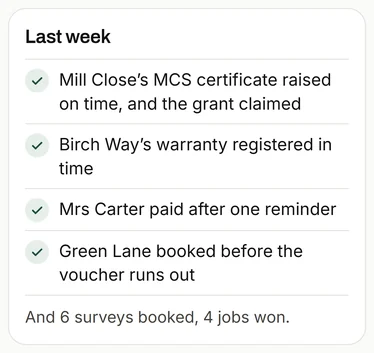
The Monday message
One short note every Monday: what got done, what's coming up, and one thing worth doing.
-
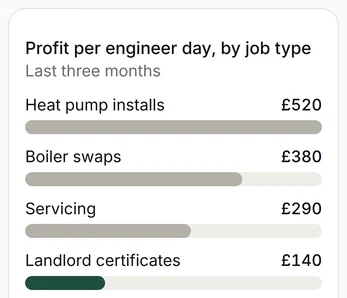
What each job made
Every job set against the engineer days it took, so you can see which work pays.
-
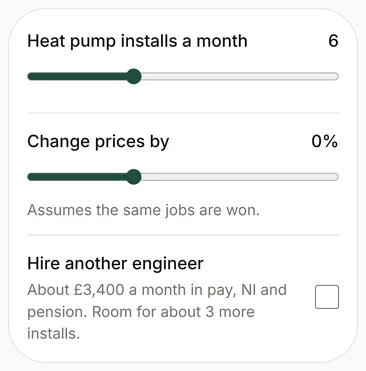
The what-if planner
Try a hire or a price change on your own numbers before you commit.
Get in touch
To see how it would work for you, email or call. It starts with a conversation about how your firm works, and what takes up your time.
Or reply to the message this link came in.